 01 / RENTAL
Ready for the next event.
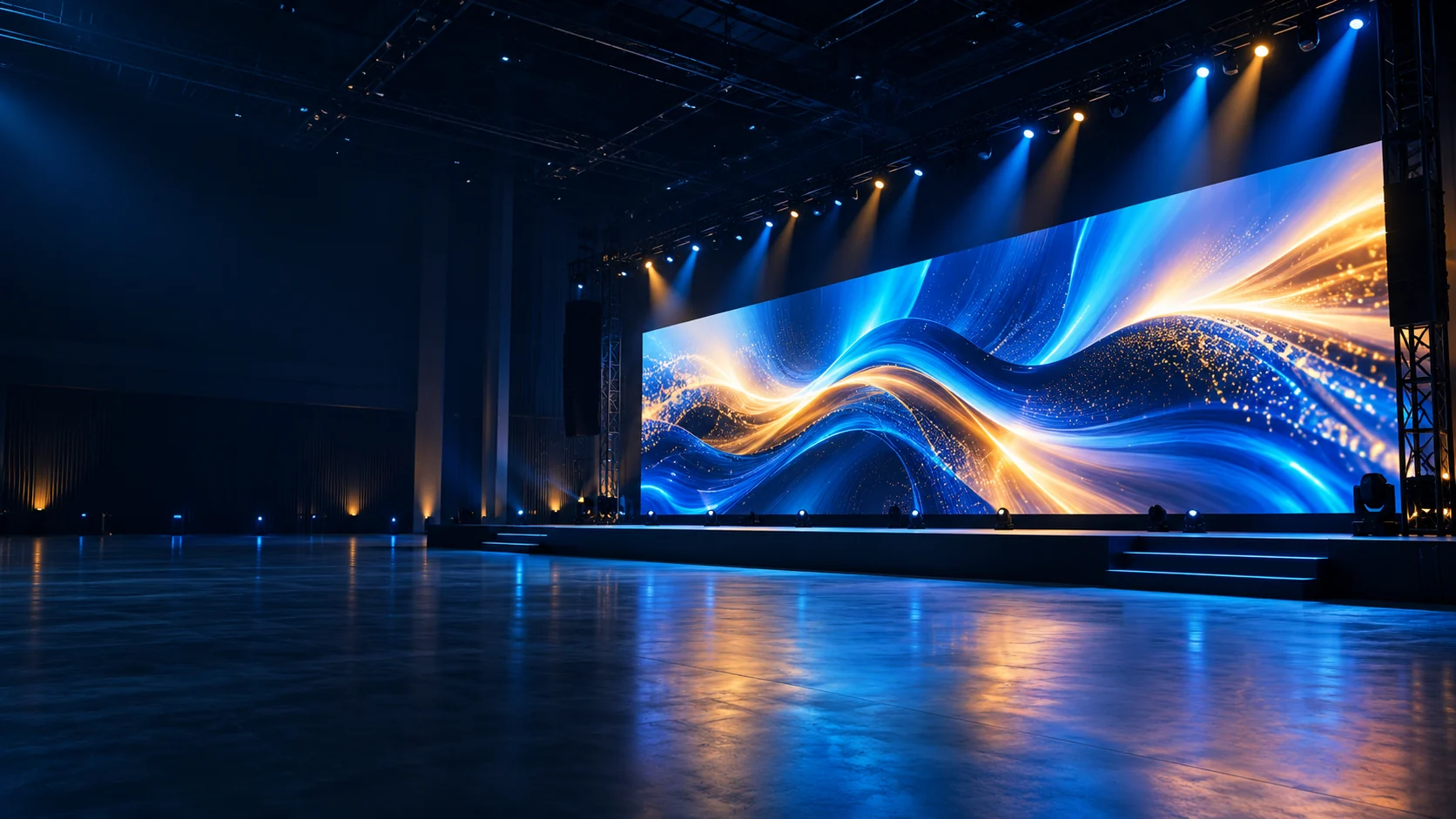
Modular LED cabinets for stages, exhibitions and temporary installations.
- R, H & K cabinet series
- Compare handling, locks and cabinet sizes
LED DISPLAY SOLUTIONS
Rental LED cabinets. Outdoor displays.
Indoor video walls, configured for your project.
PRODUCT RANGE
Start with how the screen will be used. Then compare the cabinet format and configuration.
View all products01 / RENTALModular LED cabinets for stages, exhibitions and temporary installations.
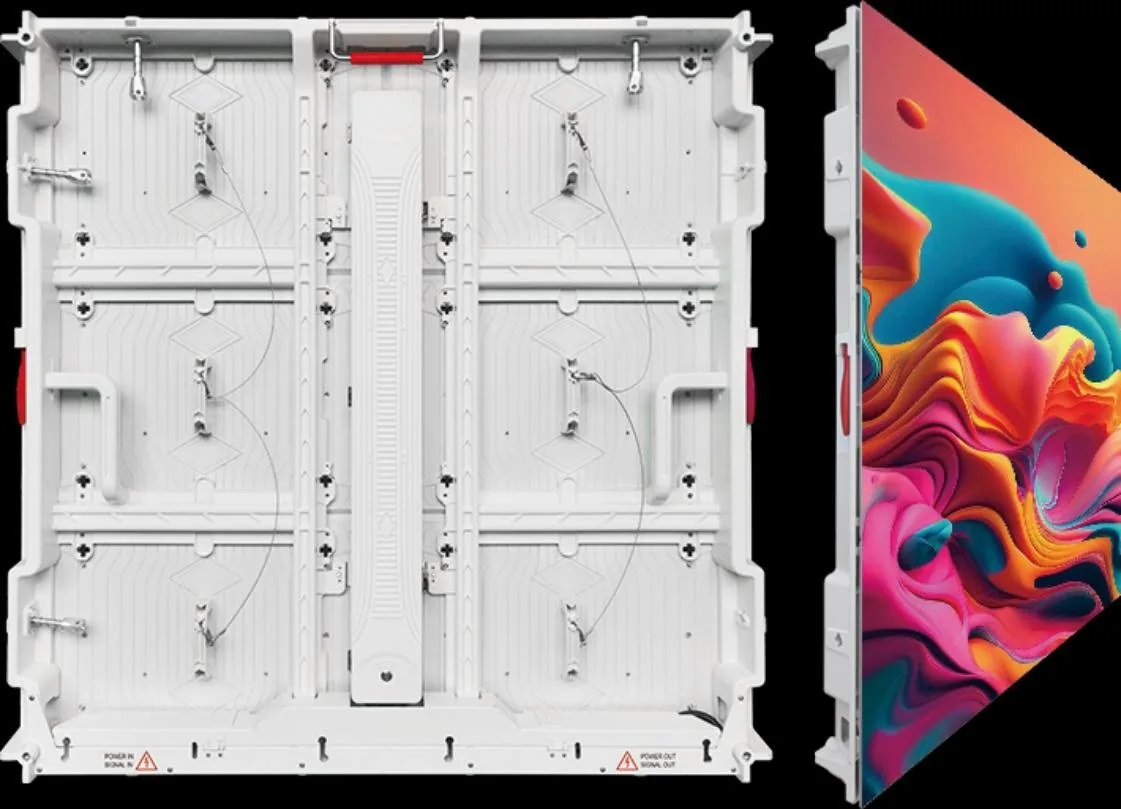 02 / OUTDOOR
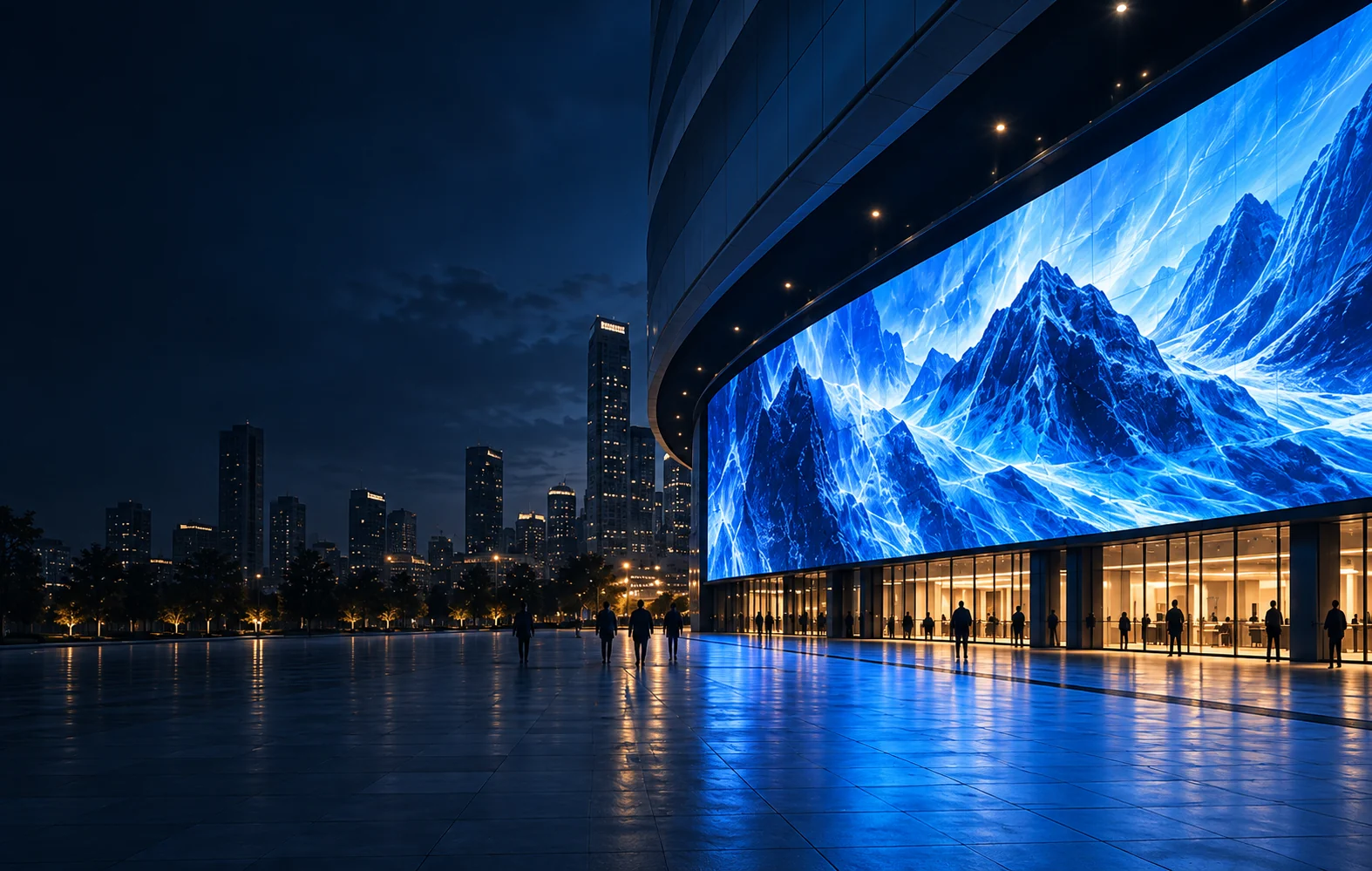
LED screens for building façades, advertising and outdoor media.
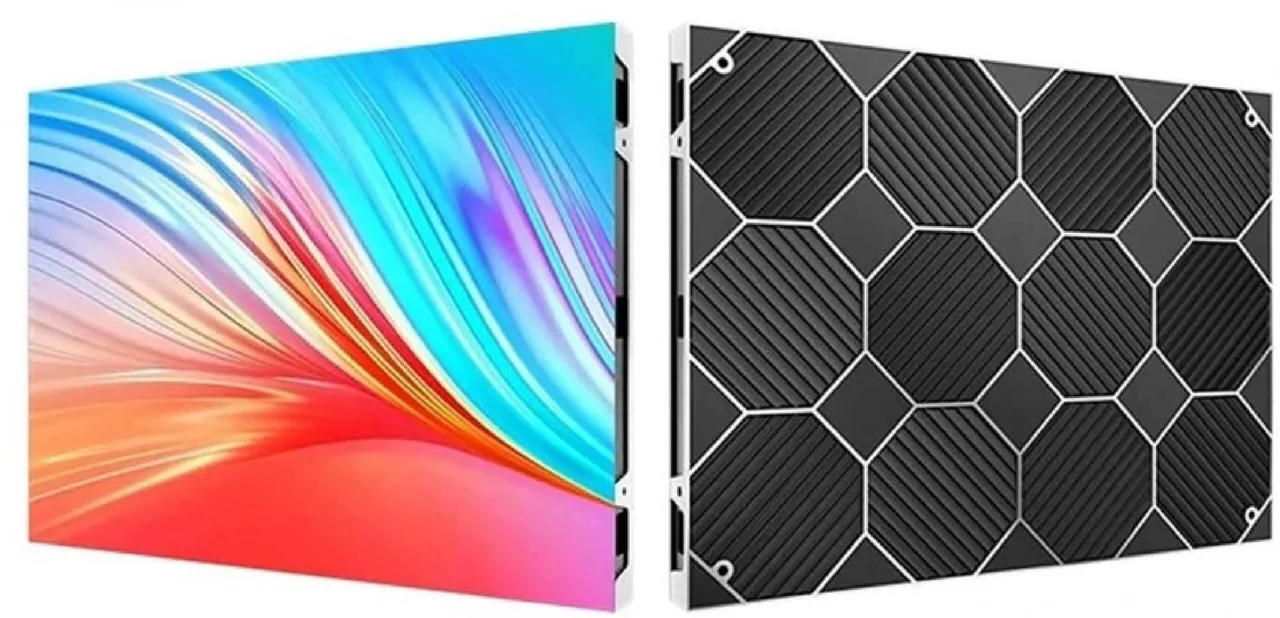 03 / INDOOR
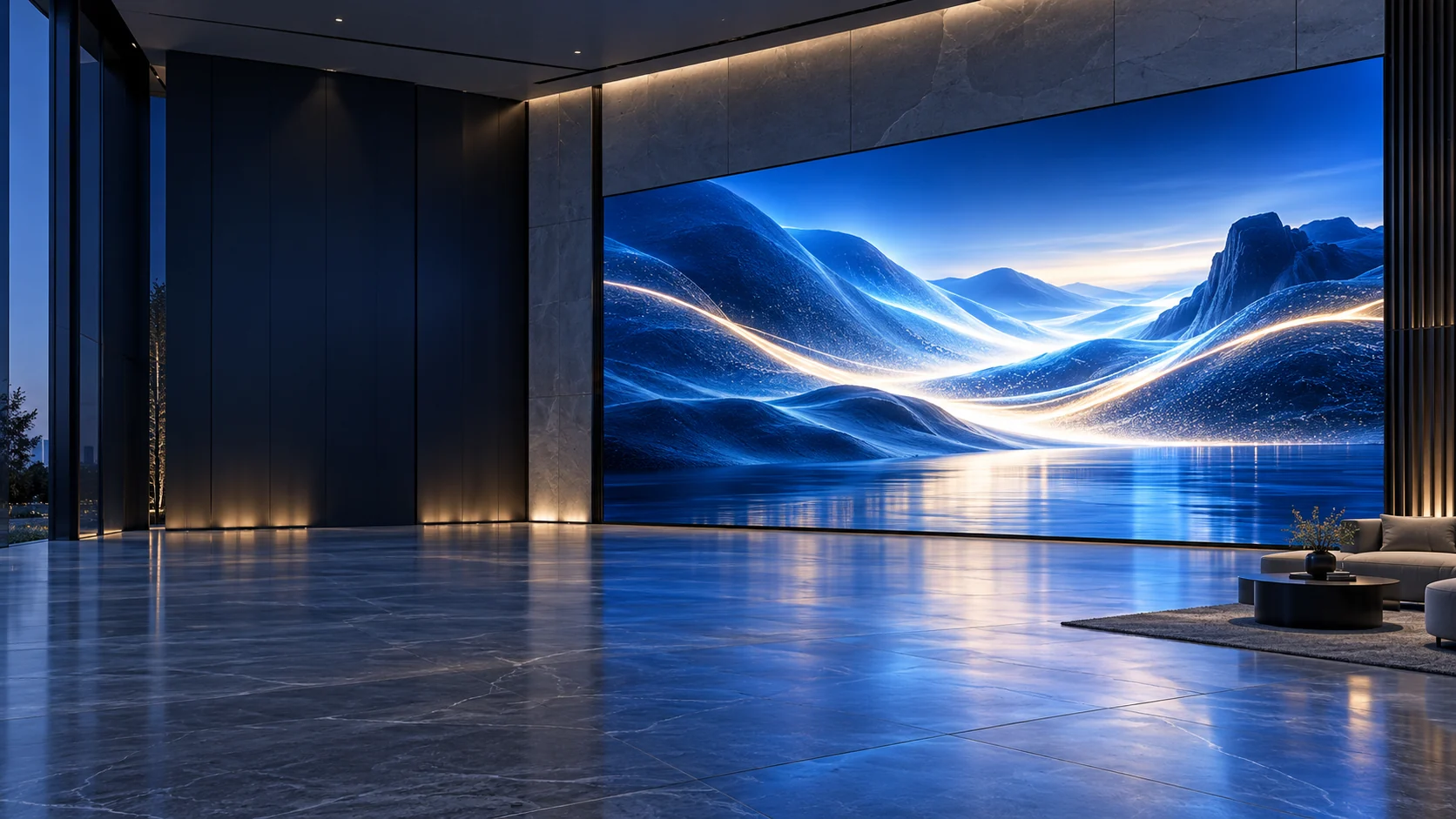
LED video walls for retail, meeting rooms and commercial interiors.
APPLICATIONS
A screen’s surroundings shape its specification. Explore three starting points for your project.
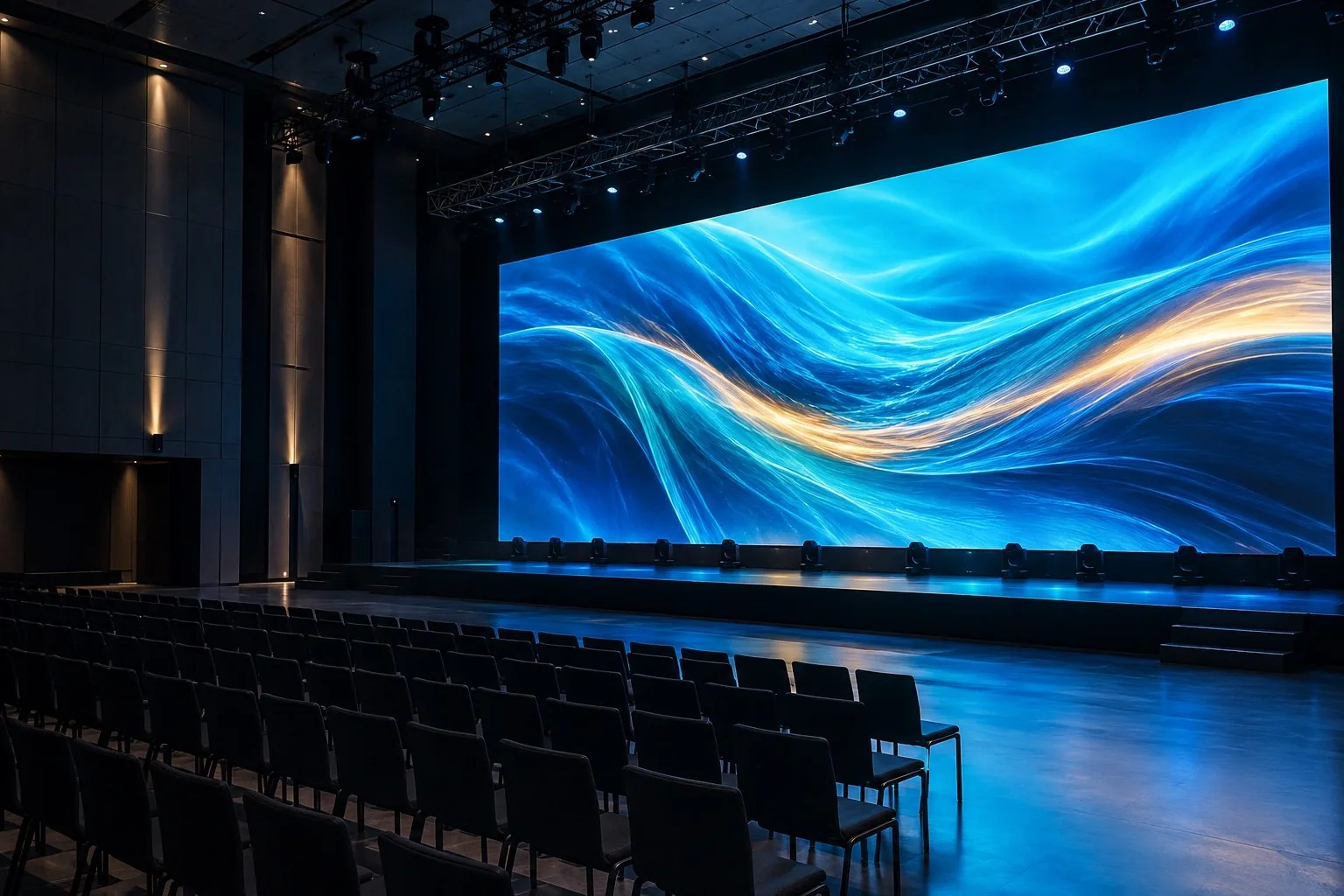
Assembly, transport and repeat use.
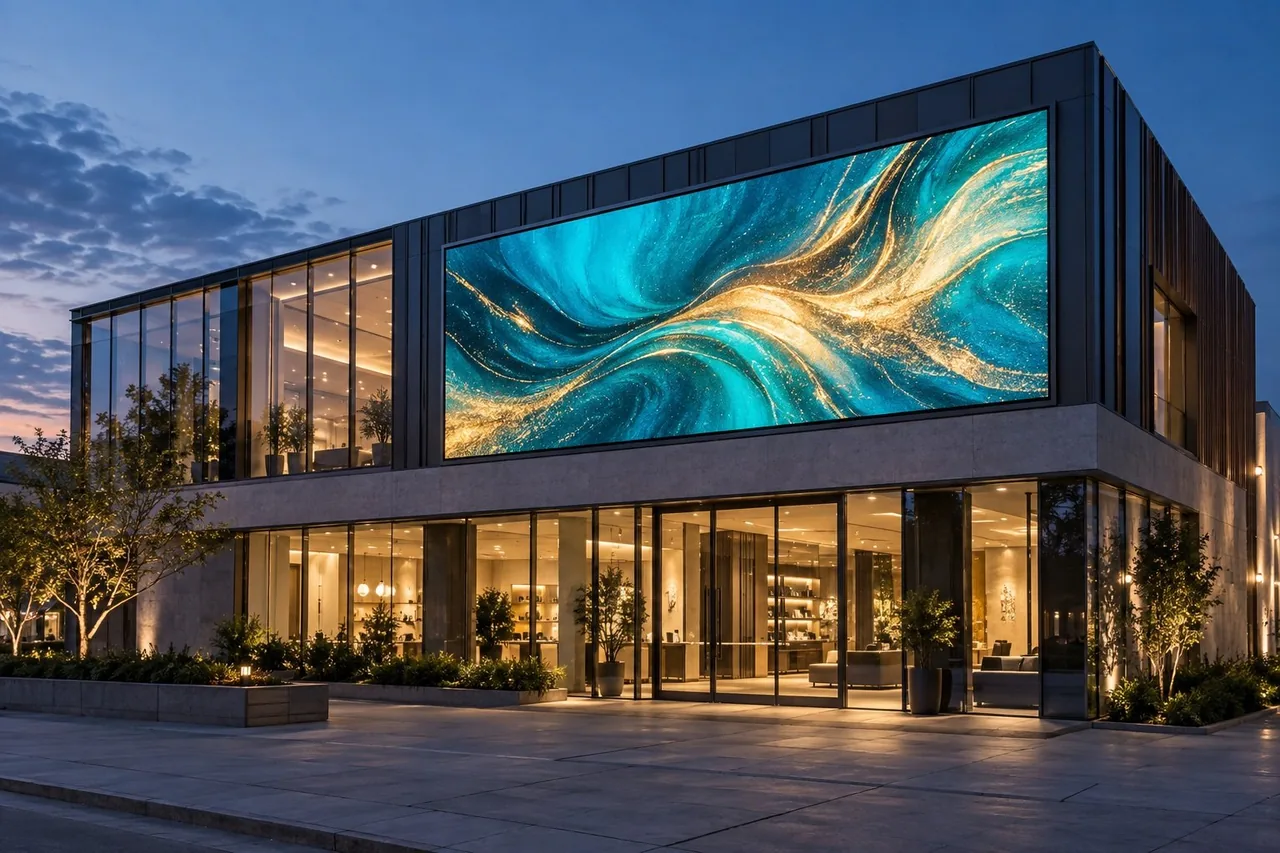
Daylight, weather and long-term access.
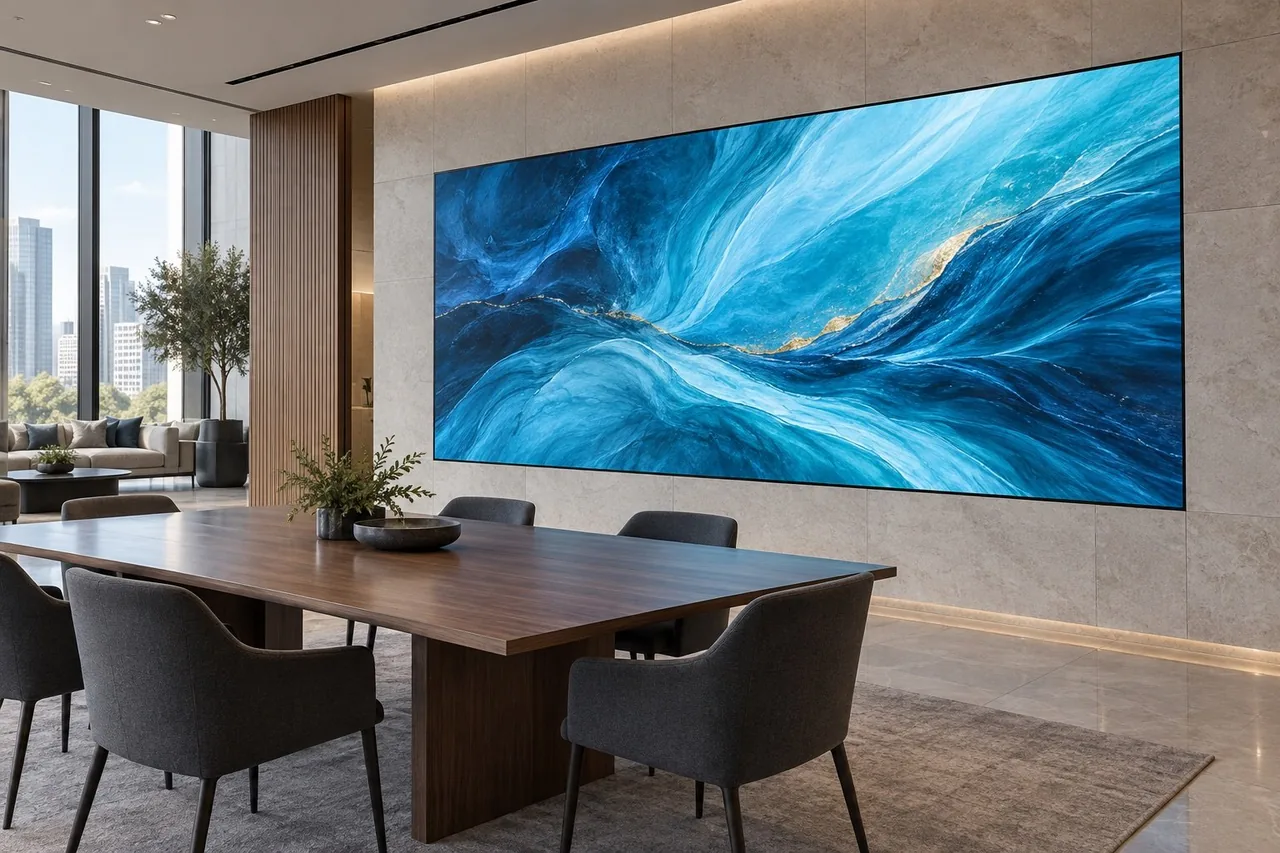
Viewing distance, content and room layout.
Application images are AI-generated illustrations, not completed Mirun projects.
RENTAL SERIES / A CLOSER LOOK
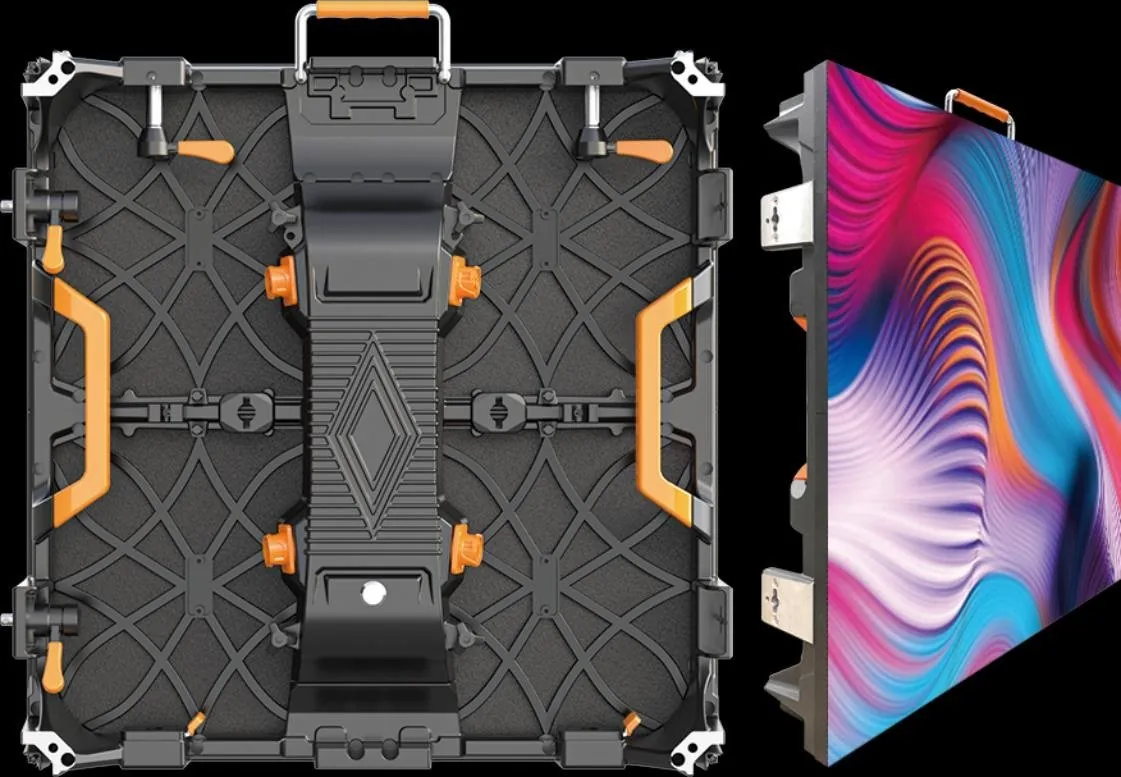
The R, H and K series offer different cabinet formats. Compare the essentials, then review the model page before selecting a configuration.
Explore R SeriesCabinet size and weight are useful starting points for layout and handling.
Catalog cabinet weight: 7.5 kg
View R specificationsCatalog cabinet weight: 7 / 12.5 kg
Compare H & K optionsH / K formats: 500 × 500 mm and 500 × 1000 mm. Parameters are from the product catalog; confirm the selected model and current specification with your quotation.
BEYOND THE STANDARD VIDEO WALL
A glass window, a walk-on surface and a freestanding sign call for different display formats. Start with the space, then define the configuration.

Glass façades and retail windows.

Retail promotions, receptions and exhibition booths.

Stages, exhibitions and immersive visitor spaces.
Images from the product catalog. Confirm the supplied model and configuration with your quotation.
For columns and curved interiors. Share the radius, curve direction and mounting-surface drawing.
For exhibits and spherical media. Define the diameter, visitor viewpoints and mapped content.
For a custom brand outline. Provide the artwork, active-pixel layout and service-access requirements.
PLAN YOUR DISPLAY
Screen size is only the beginning. These details help narrow the product and avoid an incomplete quotation.
How close will the nearest viewer be? This helps determine a suitable pixel pitch.
Indoor or outdoor, direct sunlight or shade? Brightness and protection depend on the site.
Wall-mounted, ground-supported or suspended? Plan the structure and maintenance space.
A permanent display or a touring system? Include handling, packing and spare-part needs.
FROM YOUR BRIEF TO A CLEAR QUOTATION
Screen dimensions, application, destination and any drawings or photos.
Cabinet format, pixel pitch, controls, service access and accessories.
Agree specifications, packing, inspection requirements and delivery terms.
COMPARE THE COMPLETE SYSTEM
A cabinet price alone does not define a working LED display. Ask for a clear list of supplied equipment, interfaces and responsibilities before comparing proposals.
Read the quotation guideThe final supply scope is agreed in the quotation. Items listed here are points to confirm, not a standard included package.
Model, pixel pitch, active screen dimensions, cabinet quantity and the finished pixel canvas.
Sending and receiving hardware, video inputs, processor capacity and the content-update method.
Required cables, connectors and distribution interfaces; identify what the local installer supplies.
Fixing interfaces, support requirements, front or rear access and who is responsible for site installation.
Identify compatible modules, power supplies and receiving cards, plus configuration files and maintenance information.
State the destination, packing method, shipment terms and target date; list freight, taxes and site work separately where applicable.
TECHNICAL SUPPORT & PROJECT PLANNING
Selection, installation and maintenance need different information. Use these checkpoints to keep the screen specification connected to the way it will be used.
Bring the screen dimensions, viewing distance and content type. Discuss the proposed cabinet format, pixel pitch, brightness and control requirements together.
Review the specificationShare drawings and site photos to discuss cable routing, ventilation and maintenance access. Have the responsible installer review the structure and site connections.
Prepare the site checklistDefine compatible spare modules, receiving cards, power supplies and cables. Record the configuration and service method so later replacement needs are clear.
Plan the spare-parts listMIRUN HAILIAN
Huizhou Mirun Hailian Technology Co., Ltd. supplies LED display products for rental and fixed-installation requirements. Explore the catalog, compare your options and discuss the details with our team.
BUYER RESOURCES
Practical guides for the questions that shape a display project.
Browse all buying guidesUnderstand the configuration and delivery details needed for a comparable quotation.
LED display quotation guideReview dimensions, mounting, power routes, ventilation and service space before ordering.
Installation site checklistDefine compatibility, quantities, records and replacement arrangements for the selected system.
Spare-parts planning guideInclude screen width and height, indoor or outdoor use, closest viewing distance, installation method, destination country and target date. A site photo or drawing is helpful.
Start with the nearest viewing distance, screen dimensions and the content you intend to show. Compare available models with your budget and ask for the proposed configuration in the quotation.
Do not assume all cabinets support both. Confirm the chosen model’s brightness, weather protection and installation requirements for the intended environment.
Discuss the control system, power and data cabling, mounting requirements, spare modules and transport packaging. Confirm what is included in the order scope.
Start with a dimensioned drawing, the intended outline or radius, viewing positions and sample content. Review the module layout, supporting structure and service access for the proposed design. Explore flexible LED displays, sphere screens and logo LED screens for different starting points.
State the destination and the date the display needs to be ready for use. Ask the quotation to identify production, packing and shipment arrangements, the agreed delivery terms and the site work that remains after arrival. Lead time depends on the confirmed configuration and order scope.
Confirm the written warranty terms, troubleshooting contact, spare-parts compatibility and replacement arrangements for the selected system. Keep the model details and configuration files with the maintenance records. See the support page for planning topics to discuss.
LET’S PLAN YOUR DISPLAY
Tell us about your requirements and discuss the right LED display for your space.